Creative AI is having a moment. Exploding Topics lists Higgsfield, an AI image, video and audio suite, as the top trending AI term for October 2026, with about 2.24 million monthly searches, and tools like Google's Veo, Suno and ElevenLabs rank among the most-searched creative AI products.
For a business, the promise is big: product videos, ad variations, voice-overs and jingles without a studio budget. Here's what's realistic.
The main types of creative AI tools
| Type | Examples | Useful for |
|---|---|---|
| Video generation | Veo, Higgsfield | Short ad clips, product scenes, social video ideas |
| Image generation and editing | Higgsfield and built-in tools in design apps | Backgrounds, product mock-ups, campaign variations |
| Voice | ElevenLabs | Voice-overs, explainer narration, multilingual versions |
| Music | Suno | Background tracks, short jingles |
| Copywriting | Chat assistants, Chapisha | Captions, scripts, headlines, hashtags |
Where they work well
- Testing ideas fast: generate five ad concepts, run them as small paid tests, then invest in the winner.
- Variations: the same product in different settings, seasons or formats for each platform.
- Voice-overs in several languages for explainer videos and product demos.
- Background music for social videos without licensing headaches (check each tool's terms).
- Storyboards to brief a videographer or designer clearly.
Where they still fall short
- Your actual product: AI can distort logos, labels, text and product details. Never let it invent what your product looks like.
- Consistency: keeping the same character, style or brand look across many pieces is still hard.
- Trust: customers can often spot AI visuals, and fake-looking ads can cost credibility.
- Real people: never imitate a real person's face or voice without clear written permission.
Best practice: use real photos and footage of your products, team and customers as the hero, and AI for backgrounds, variations, voice-overs and speed.
Rules to protect your brand
- Read the licence: check that commercial use is allowed on your plan and who owns the output.
- Keep a brand kit (logo files, colours, fonts, tone) and check every AI output against it.
- Label AI content where platforms or laws require it, and be honest with customers.
- Get consent before cloning any voice, including your own staff's.
- Check facts and claims in every script and caption before publishing.
A simple weekly workflow
- Monday: plan the week's posts and one short video idea. See a month of social posts in an hour.
- Tuesday: shoot real product or team footage on a phone.
- Wednesday: use AI for captions, a voice-over, background music and a couple of visual variations.
- Thursday: edit, check against your brand kit, schedule.
- Friday: look at what performed and plan next week.
Start with your brand, not the tools
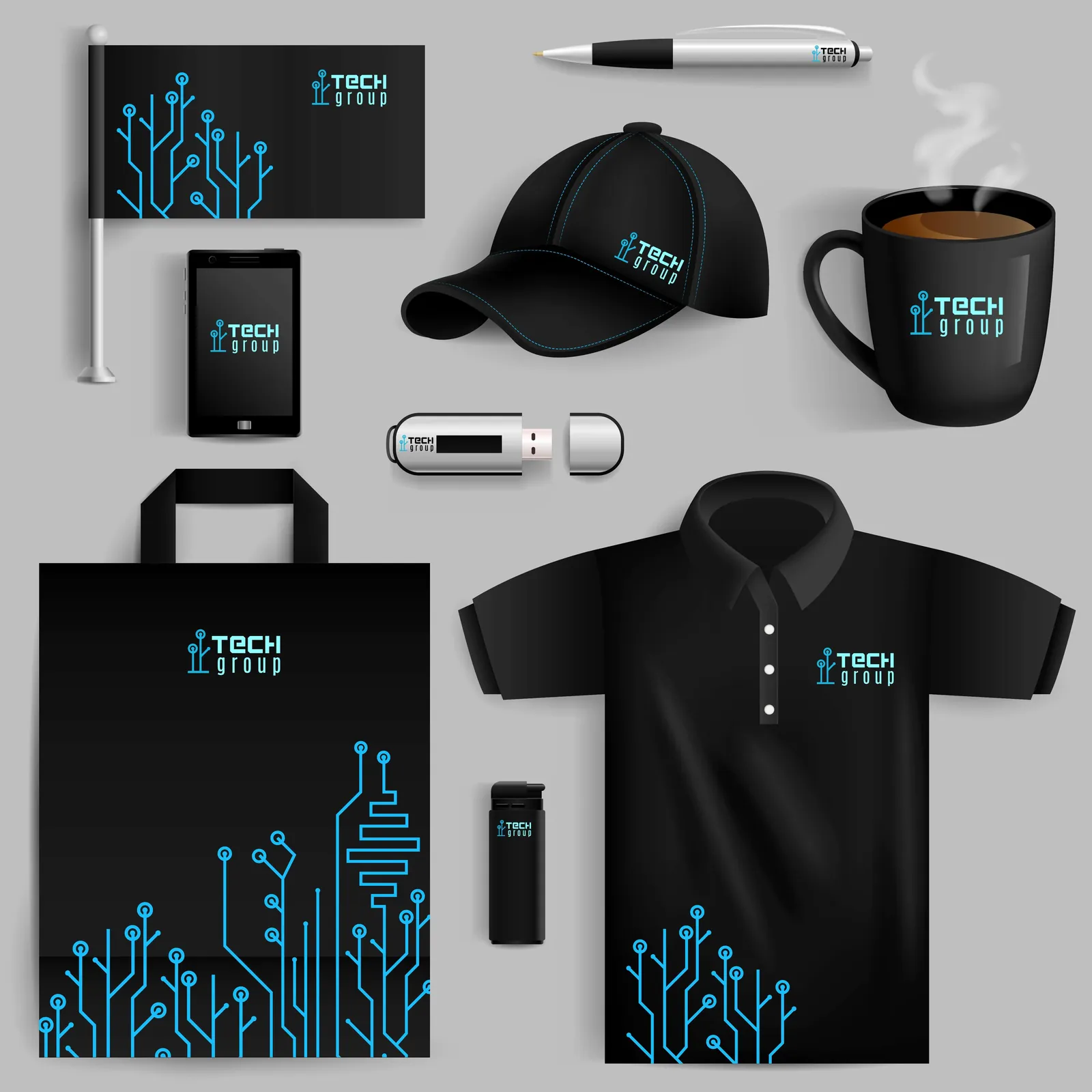
AI tools amplify whatever brand you feed them. If your logo, colours and voice aren't clearly defined, AI output will drift. A strong brand identity first makes every AI tool more useful.
Creative AI can make a small team look like a big one, as long as it supports your real products and brand rather than replacing them. Test fast, keep humans in charge of quality, and respect licences and consent. We design brand identities and social media kits, and our app Chapisha writes on-brand captions and hashtags in seconds.
See branding and graphic design and Chapisha.